
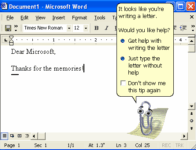
🚀 Time to Say Goodbye to Office 2010 (and Earlier) on Windows 11
If you’re still running Microsoft Office 2010 — or an even older version — on your shiny Windows 11 PC, you’re not just living in the past… you might be inviting headaches you don’t need.
⏳ The End of the Road for Office 2010
Support ended in October 2020 — no more security updates, bug fixes, or official help from Microsoft.
Outdated software is a prime target for malware and exploits.
Compatibility issues can creep in — newer Office files may not open correctly, and you’ll miss out on modern features. We have seen Outlook 2010 \ 2007 fail on Windows 11 causing your email to be corrupted.
💡 Why Windows 11 Makes This Even More Urgent
Windows 11 is built for modern apps. Legacy software like Office 2010 wasn’t designed for today’s security, cloud integration, or high‑DPI displays.
Expect glitches, poor performance, or missing features.
Some add‑ins or macros may break entirely.
✅ Option 1: Upgrade to a Modern Microsoft Office
Microsoft 365 — Always up‑to‑date, cloud‑connected, AI‑enhanced.
Office 2024 — One‑time purchase, modern compatibility, multi‑year lifespan.
💸 Option 2: Go Free with LibreOffice
Cost: $0 — forever.
Compatibility: Opens, edits, and saves most Word, Excel, and PowerPoint files.
Extras: Frequent updates, strong global community.
🖼 Visual Comparison
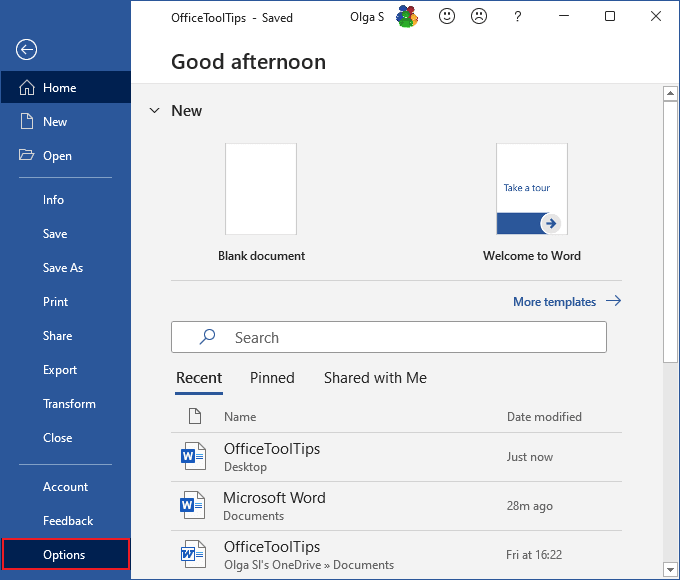
Office Word 365 \ 2024
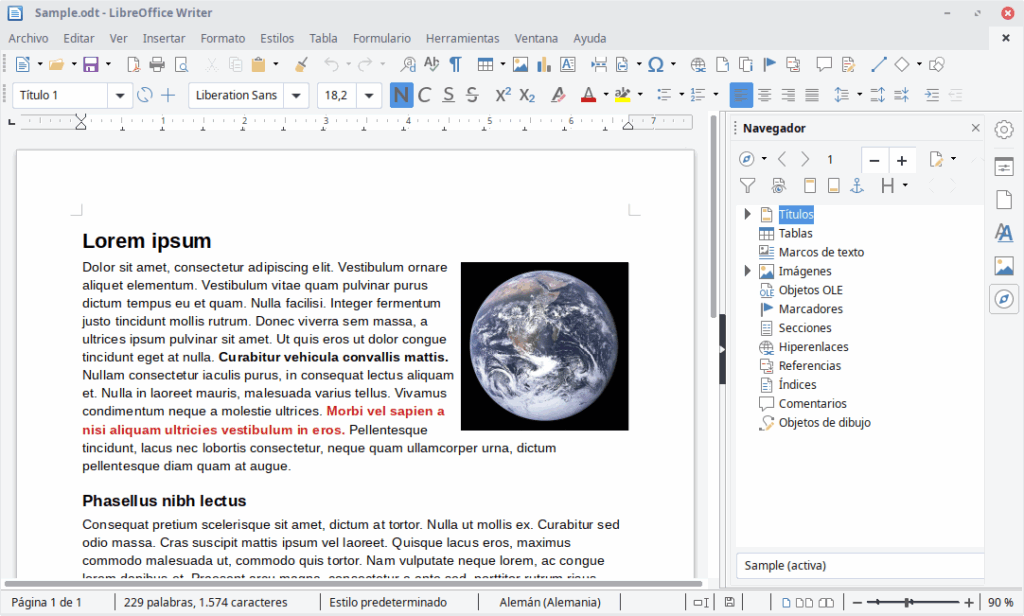
LibreOffice Writer
📊 Office vs. LibreOffice — Quick Comparison
Price: Microsoft Office (365 or 2024) is paid — either by subscription or one‑time purchase. LibreOffice is completely free and open‑source.
OS Support: Microsoft Office runs on Windows and macOS (but not Linux). LibreOffice works on Windows, macOS, Linux, and BSD.
Cloud Integration: Microsoft Office has deep OneDrive and SharePoint integration. LibreOffice offers only limited cloud support, which you set up manually.
Collaboration: Microsoft Office supports real‑time co‑authoring and Teams integration. LibreOffice collaboration is more limited, typically via Collabora Online. Typically more business users will be integrated with Microsoft Teams.
Updates: Microsoft Office, especially 365, is updated frequently. LibreOffice also releases regular updates from its community.
File Compatibility: Microsoft Office offers perfect compatibility with its own formats. LibreOffice is very good but may show occasional formatting quirks.
Extra Apps: Microsoft Office includes Outlook, Access, and Publisher (365 and Home and Business Products only)(Windows only). LibreOffice includes Base (database), Draw (vector graphics), and Math (formula editor).
Support: Microsoft Office has official support channels. LibreOffice support comes from community forums and documentation.
🔑 Bottom Line
Upgrading (or switching to LibreOffice) keeps you secure, compatible, and ready for the future. From writing your Christmas letters to making your own spreadsheet finance tables you should be using software that is up to date and works best with your system.
Want to have a chat to see what works best for you? Please stop in or dop us a line!